Game guide · RJCWPX
Find your footing in Slitherlink
Bring your attention to one round of Slitherlink. Draw one closed loop whose edges match the count around every numbered cell. Look at what changes after your first action. Begin with the solo mode shown on the page. Choose a clear next step rather than rushing through the instructions.
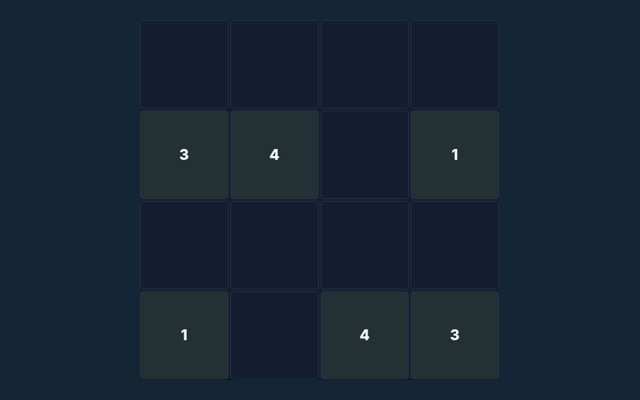
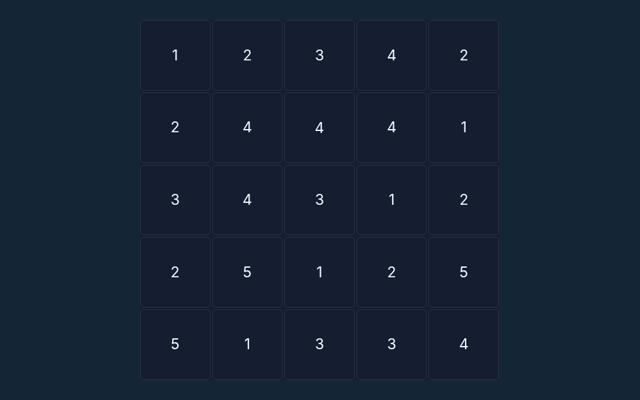
Ten 4×4 loop puzzles with all cell clues shown.
Give this approach a try
Watch the feedback after an action. A message can explain whether the input was accepted or whether a rule needs attention. Make the next step deliberately.
What you are aiming for
Draw one closed loop whose edges match the count around every numbered cell. The feedback beside the game helps you follow the round. Take a moment to understand the current position.
A walkthrough of the rules
- Click an edge to draw, exclude or clear it.
- Count the four edges around each cell.
- Do not branch or form separate loops.
- Check puzzle verifies every clue and loop connectivity.
Your inputs
Click or tap squares or graph edges. Number boards include a digit pad. Undo reverses the previous change; Check puzzle validates the solution. Use the control method described here for this activity. Make sure you are interacting with the game rather than the surrounding page.
Put the rules into context
A 0 cell has no loop edge around it; a 3 has exactly three. Apply the same reasoning to the position in your own round. Keep the controls nearby.
Pay attention to this rule
Several small loops are invalid even if clues match. Take a moment to reassess the position before continuing. Watch the feedback after an action. A message can explain whether the input was accepted or whether a rule needs attention.
Further help with the game
Before I begin, what is the goal of Slitherlink?
The key detail is this: Draw one closed loop whose edges match the count around every numbered cell.
For this browser game, how do I control Slitherlink?
Keep this in mind: Click or tap squares or graph edges. Number boards include a digit pad. Undo reverses the previous change; Check puzzle validates the solution.
On this playing page, what example helps explain Slitherlink?
A 0 cell has no loop edge around it; a 3 has exactly three.
As a new player, what should I watch out for in Slitherlink?
Here is the relevant explanation: Several small loops are invalid even if clues match.
When I return, what format does Slitherlink offer?
Ten 4×4 loop puzzles with all cell clues shown.
Which play mode does Slitherlink use?
Here is the relevant explanation: The mode on this page is Solo. Same-device play uses one screen; this game library does not provide internet matchmaking.
While reading the Guide, where should I start with Slitherlink?
Keep this in mind: Click an edge to draw, exclude or clear it.
As a new player, do I need an account or a payment for Slitherlink?
The key detail is this: No player account or payment is needed. Game scores are recreational results, not cash prizes.
For this browser game, how can I find Slitherlink again?
Use the Games list or save this game page in your browser bookmarks. The Guide is linked from the playing page.
For my first round, how do I report an issue with Slitherlink?
For clarity: Use the contact form and include the game name, browser, device and the actions that led to the issue. Do not send passwords or payment details.